

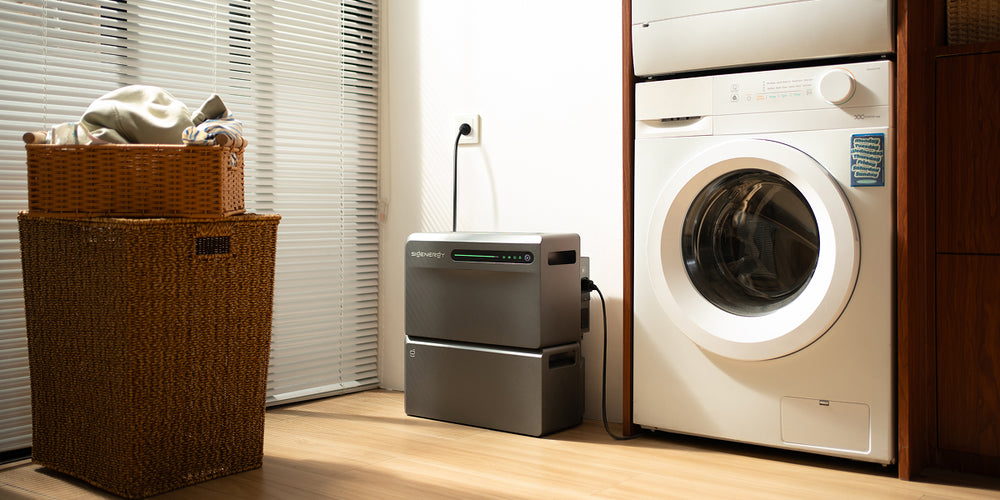
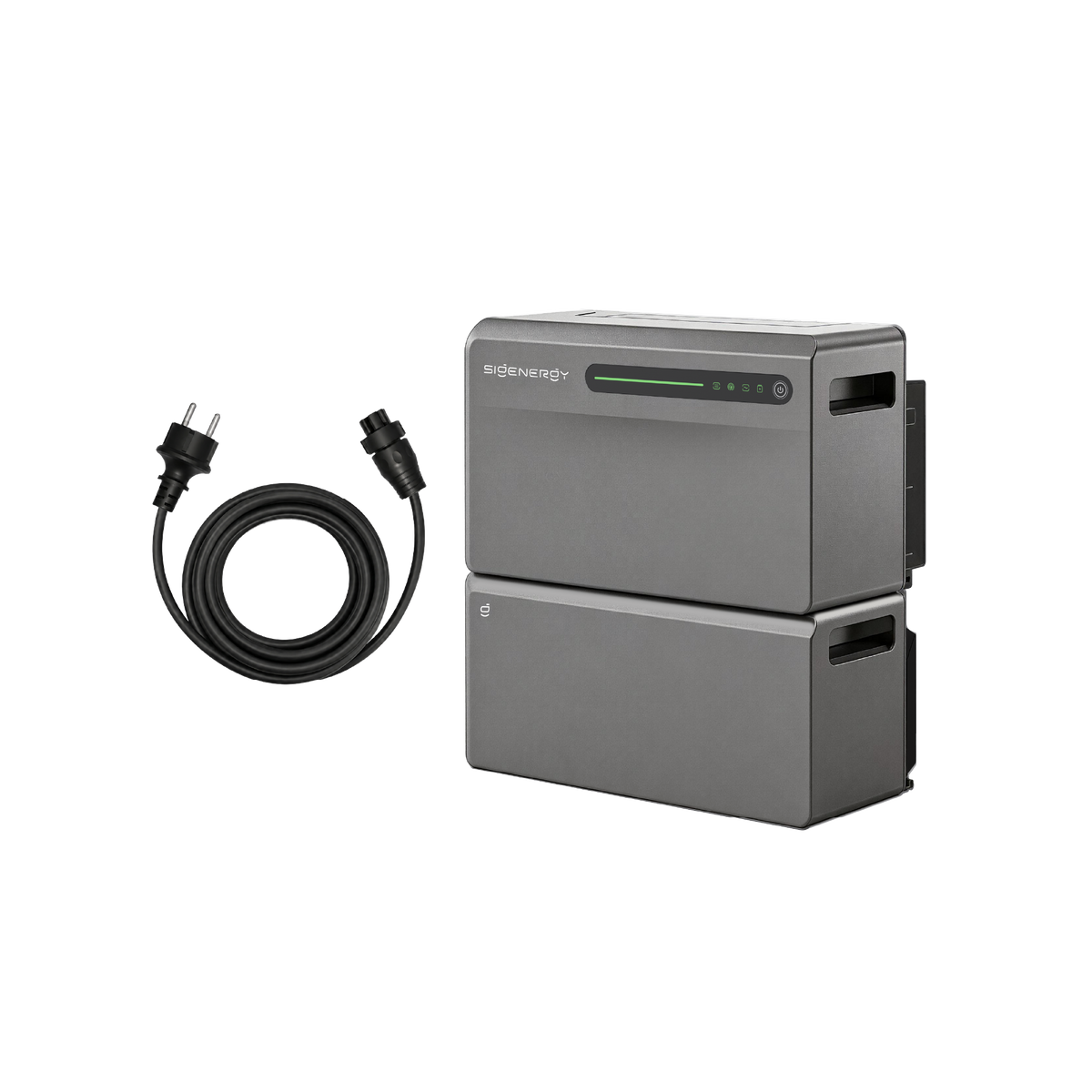

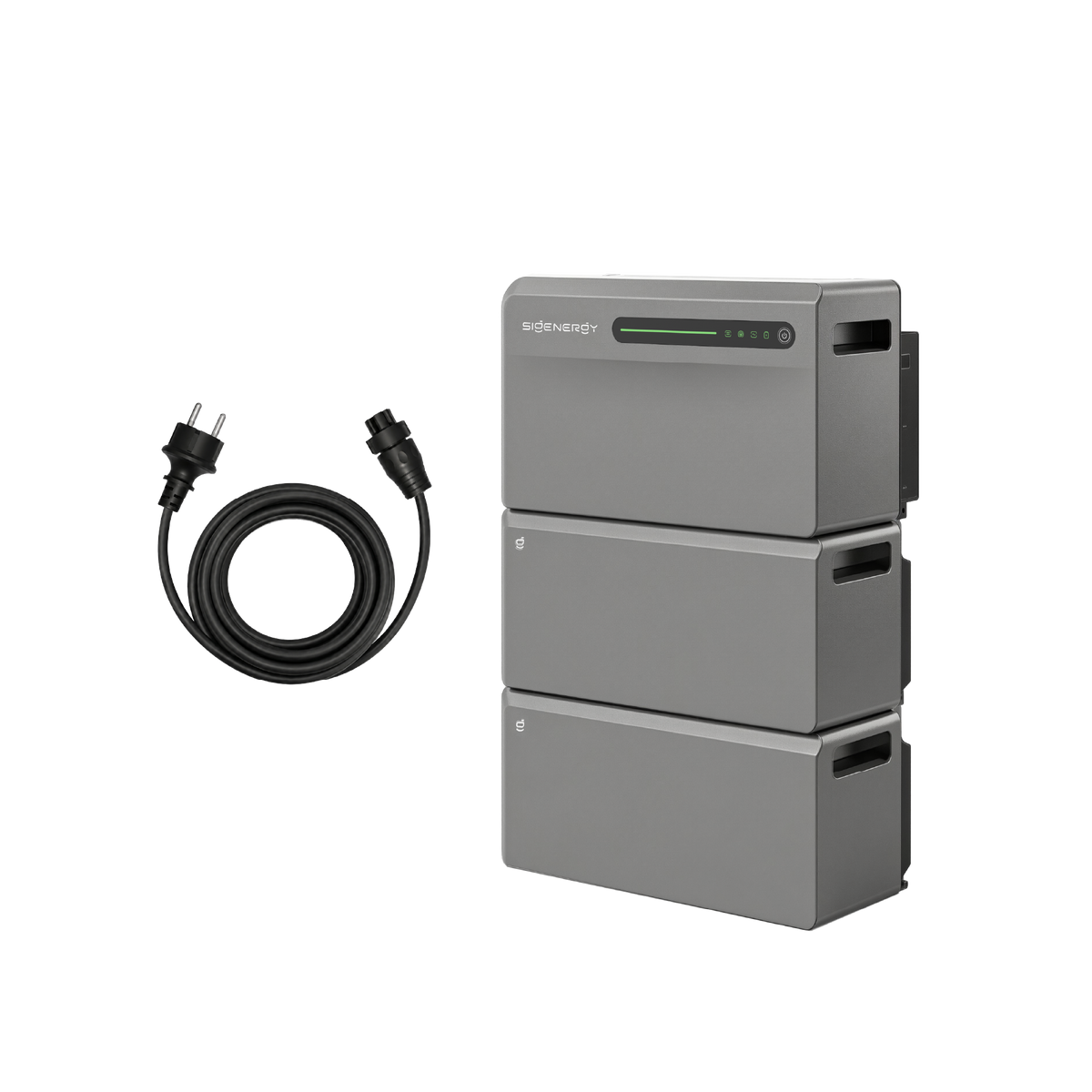

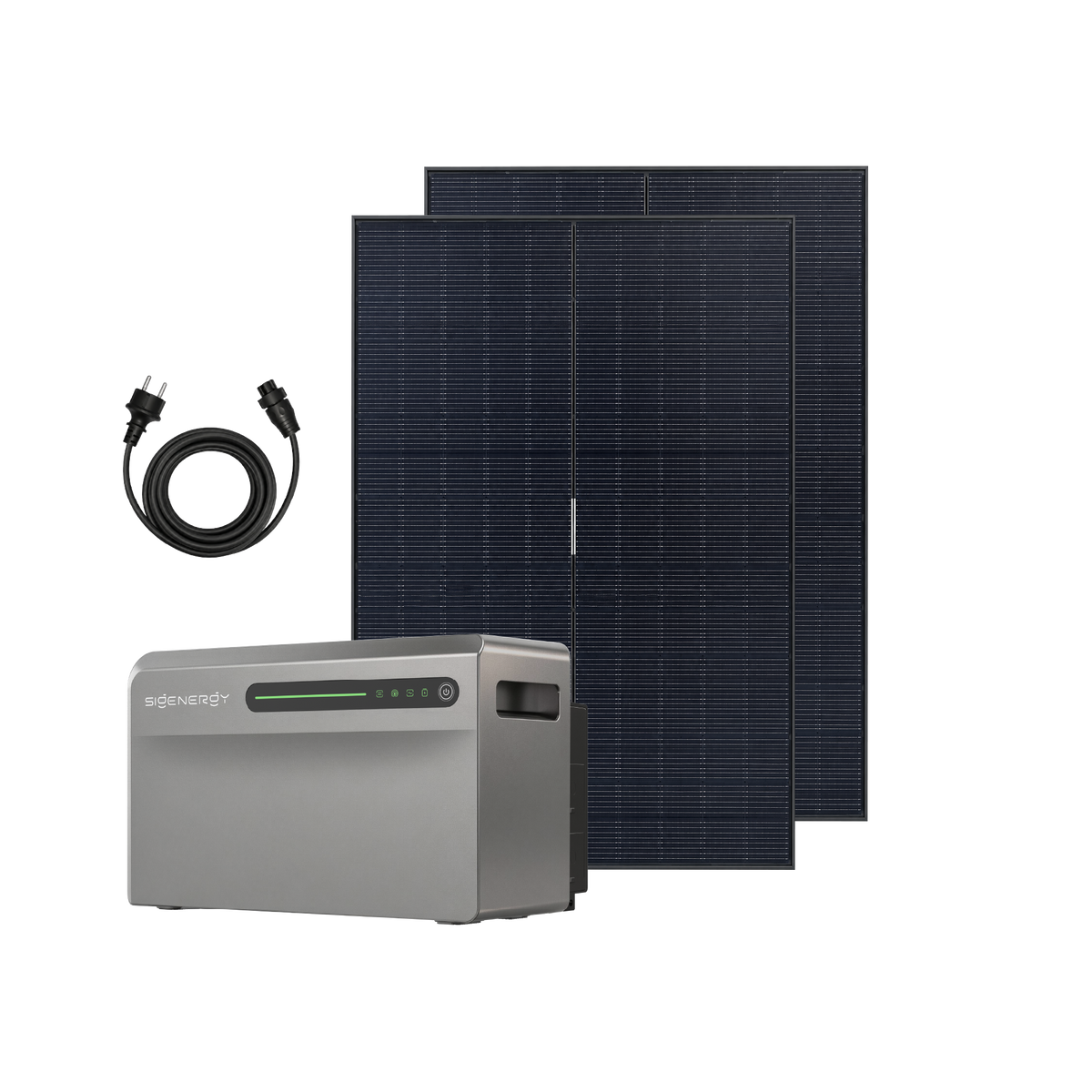







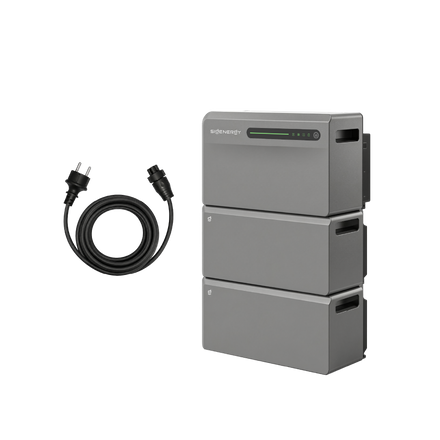
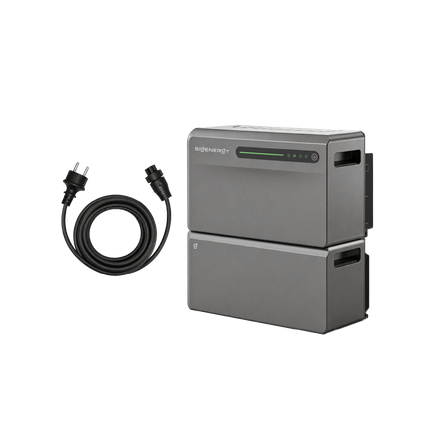
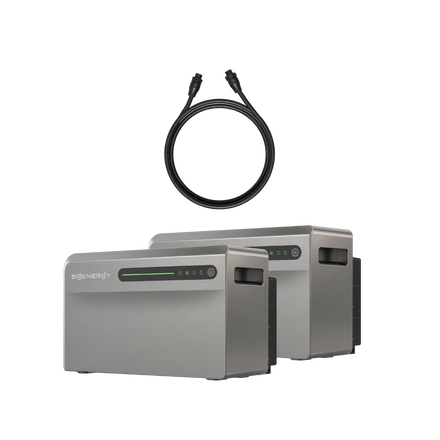
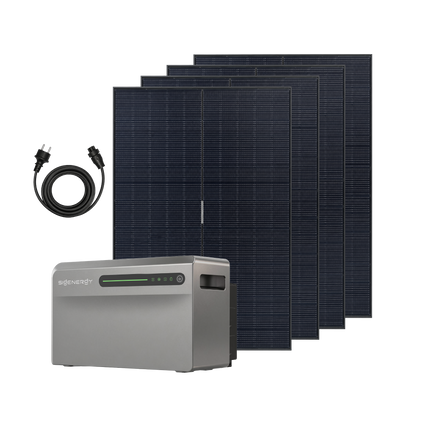

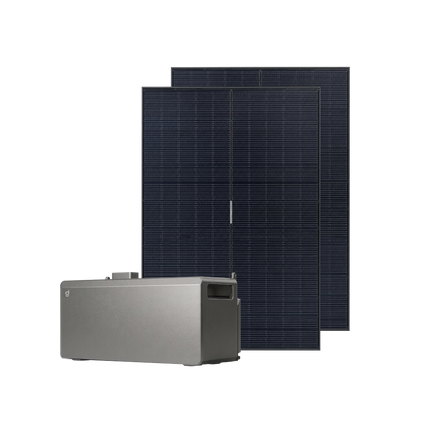
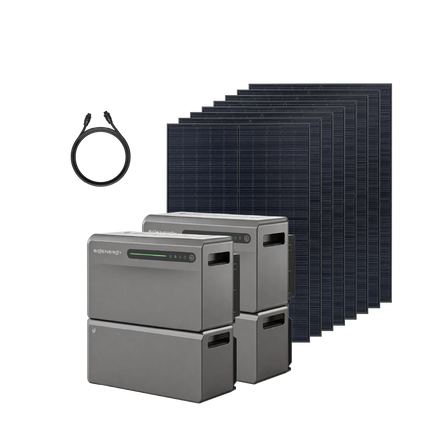
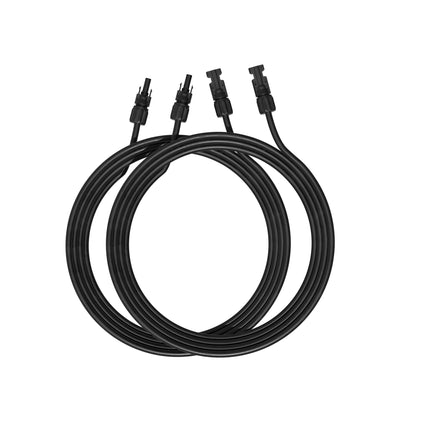
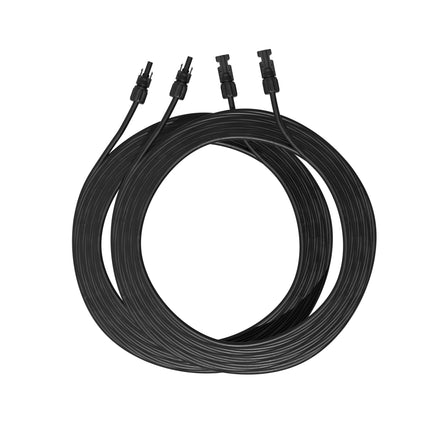
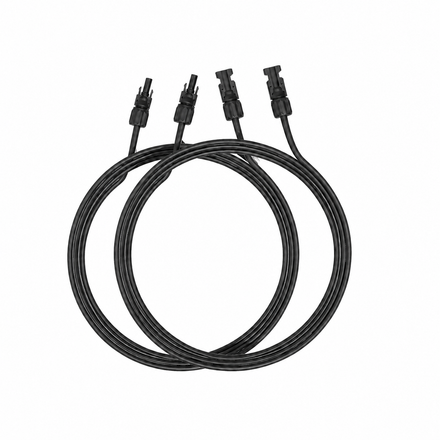
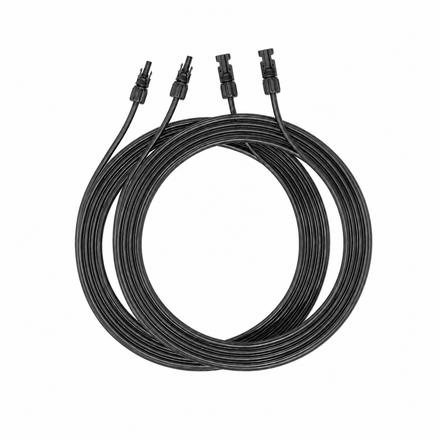

Already own SigenStor? SigenMate gives you a flexible way to add solar generation and battery storage to your home. With Parallel Operation, you will be able to add SigenMate to your existing SigenStor station and manage both systems together in the mySigen App.
Support is planned for 30 November 2026 through updates to both the mySigen App and SigenMate firmware. The following explains the planned setup and how it will work.
Why Add SigenMate?
Make More of Your Solar Space
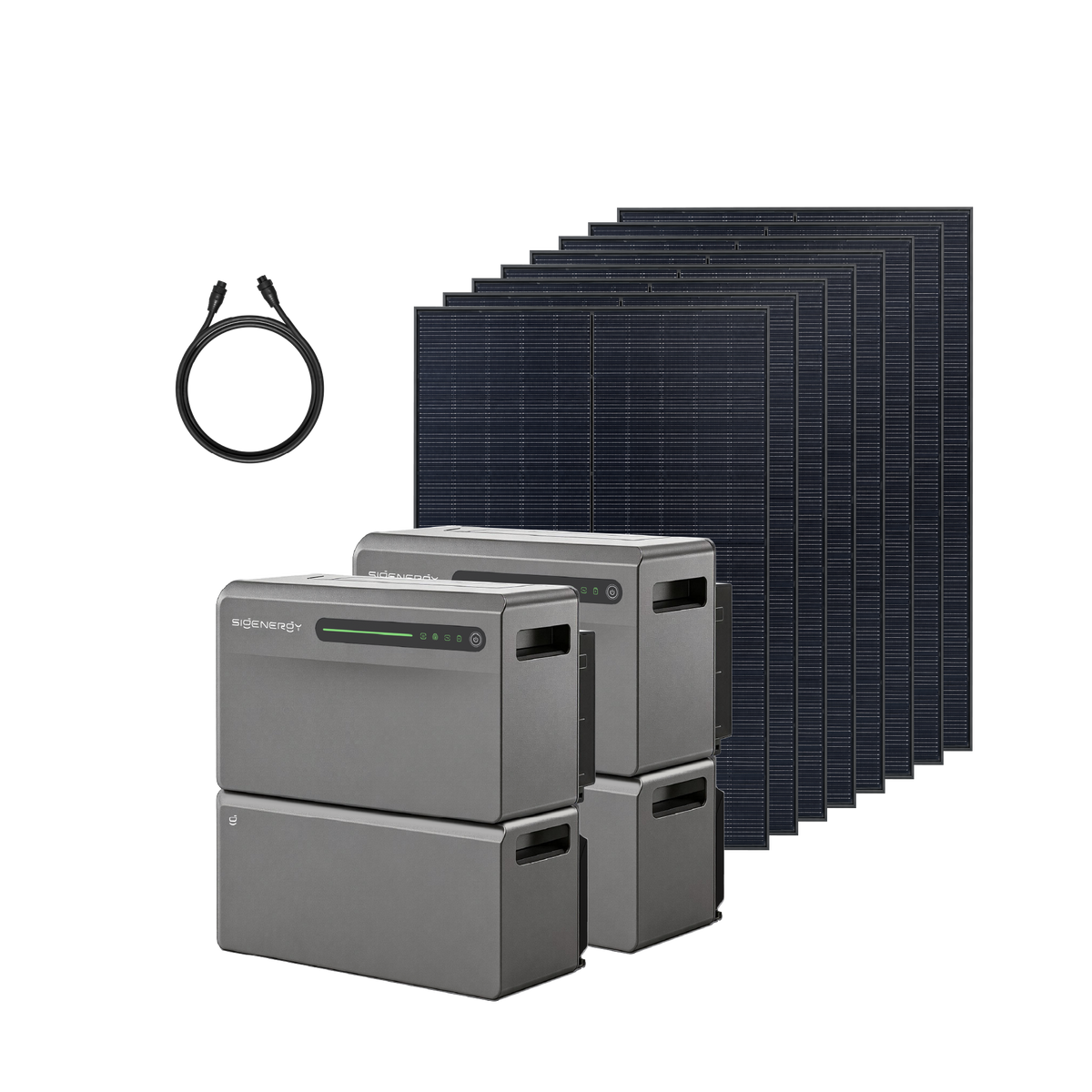
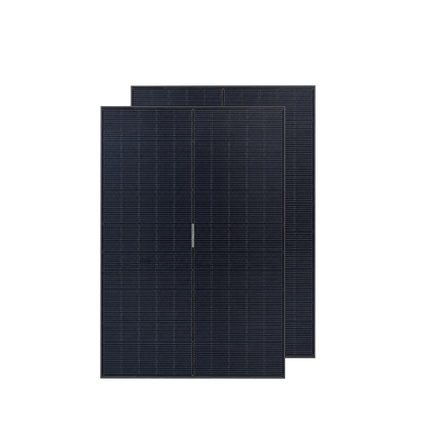
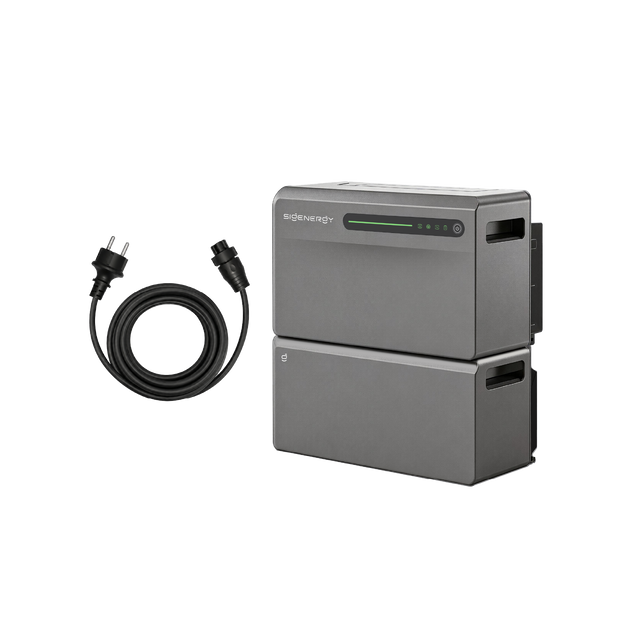
A garage roof, garden house or balcony may offer space for additional solar panels. SigenMate 2700 Ultra provides 4 MPPTs and up to 4,000 W of PV input, giving you another way to connect solar panels around your property alongside your existing SigenStor installation. Choose a suitable location and panel configuration for your installation.
Add Storage for Everyday Use
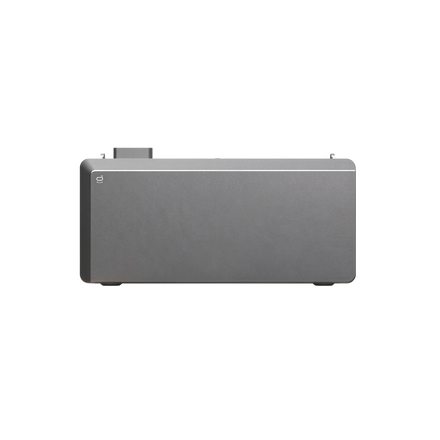
SigenMate 2700 Ultra adds 2.688 kWh of storage, with further capacity available through compatible SigenMate expansion batteries. This gives your home more capacity to store energy for later use while keeping your existing SigenStor. SigenMate remains a separate device; it does not become part of the SigenStor battery stack.
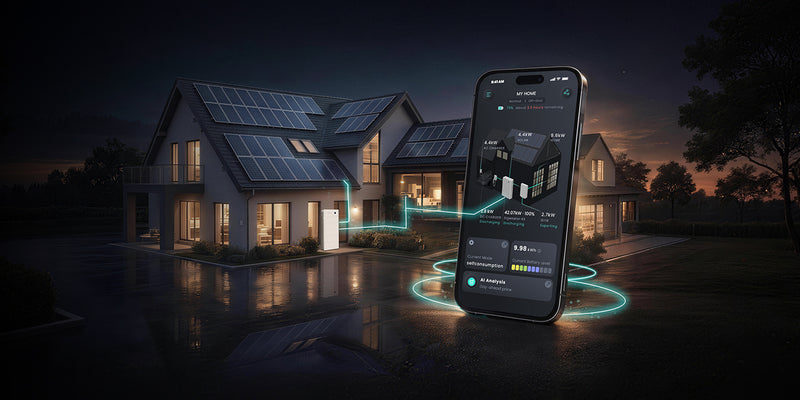
One Home Energy View, Simple Control
Once SigenMate joins your SigenStor station, you can manage both systems together in three simple ways:
- See the whole picture. The home screen and energy-flow diagram show combined household solar generation, consumption and battery information. Energy statistics also include SigenMate’s energy flows.
- Set your operating mode once. Select one operating mode for the joined system, applying it to both SigenStor and SigenMate. AI mode supports both systems.
- Check each device when needed. Individual device cards let you view each unit’s operating status while managing the household setup in one place.
How to Connect SigenMate to SigenStor
When the update is available, update both the mySigen App and SigenMate firmware to the supported versions. Your existing SigenStor station must be operating normally on-grid. SigenMate must be powered on, electrically connected and connected to the same network as SigenStor.
- Open your existing SigenStor station in the app and tap Add system device.
- Find and select SigenMate through Bluetooth.
- Follow the prompts to connect to your home Wi-Fi and complete the addition to the station.
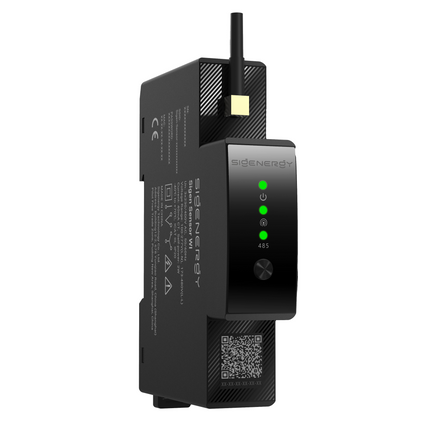
Both user and installer accounts can add SigenMate. The supported setup works with or without a Sigen Gateway and can share a compatible Sigen Power Sensor already installed with SigenStor. Each device still needs its own appropriate electrical and solar connections.
Frequently asked questions
Can I reuse my existing power sensor?
Yes, if it is compatible with this setup. Note: The Wi-Fi model Sigen Sensor TP-CT100-WI currently sold on our official website is not supported with SigenStor.
Will the two systems provide one combined backup supply?
No. Their backup functions operate separately because they use different backup-port connections. Unified app management does not combine their backup outputs.
What if my SigenMate already has its own station?
Its existing station must be deleted before it can be added to the SigenStor station. Follow the setup instructions or contact support for help with this step.
Does an 800 W device setting limit the entire joined station?
No. An 800 W limit for the plug-in device is separate from the station limit; while the joined station has a separate overall grid-export limit. Device power settings and installation requirements still apply; changing an app setting does not replace those requirements. The 800 W figure is not a universal Dutch installation limit.
Black Friday: Explore SigenMate Offers
Thinking about adding more solar or storage to your home? Explore SigenMate offers during our Black Friday campaign, running from 4 to 30 November 2026. The campaign advertises a 30-day price guarantee; see the campaign page for applicable terms. The integration described above remains planned until the supporting update is released.



Leave a comment
This site is protected by hCaptcha and the hCaptcha Privacy Policy and Terms of Service apply.