






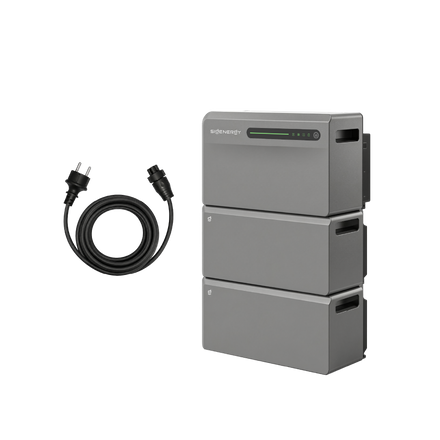
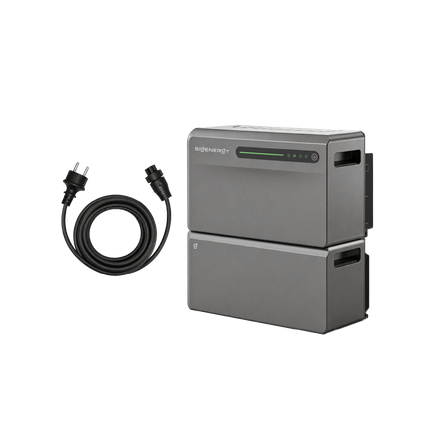
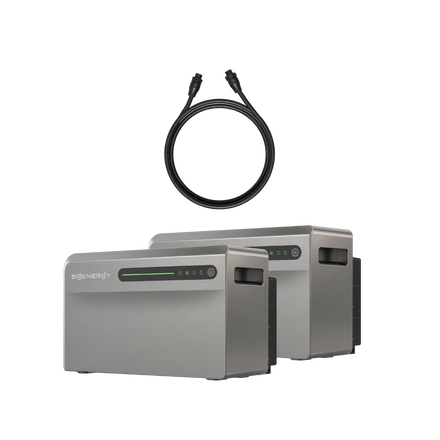
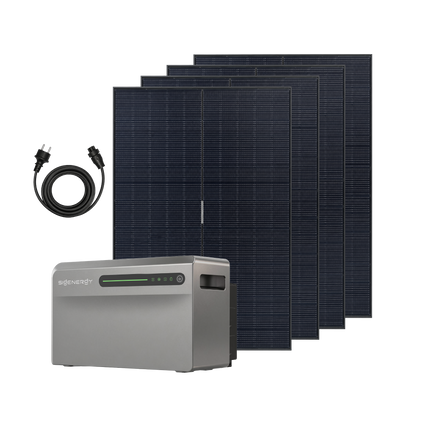

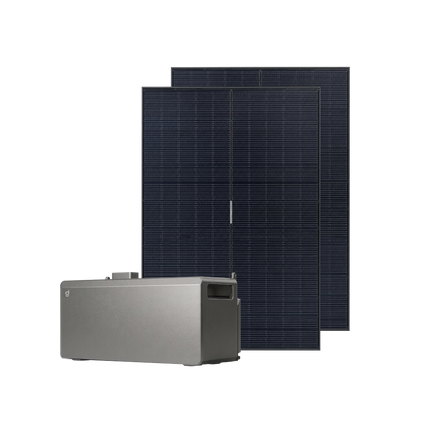
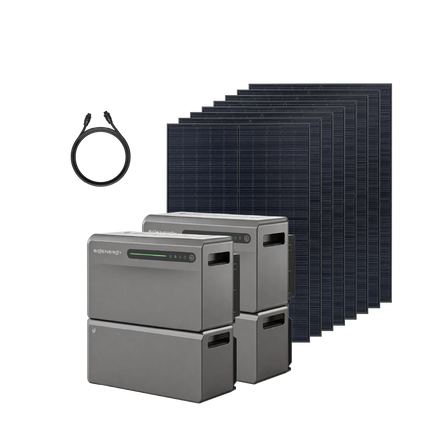
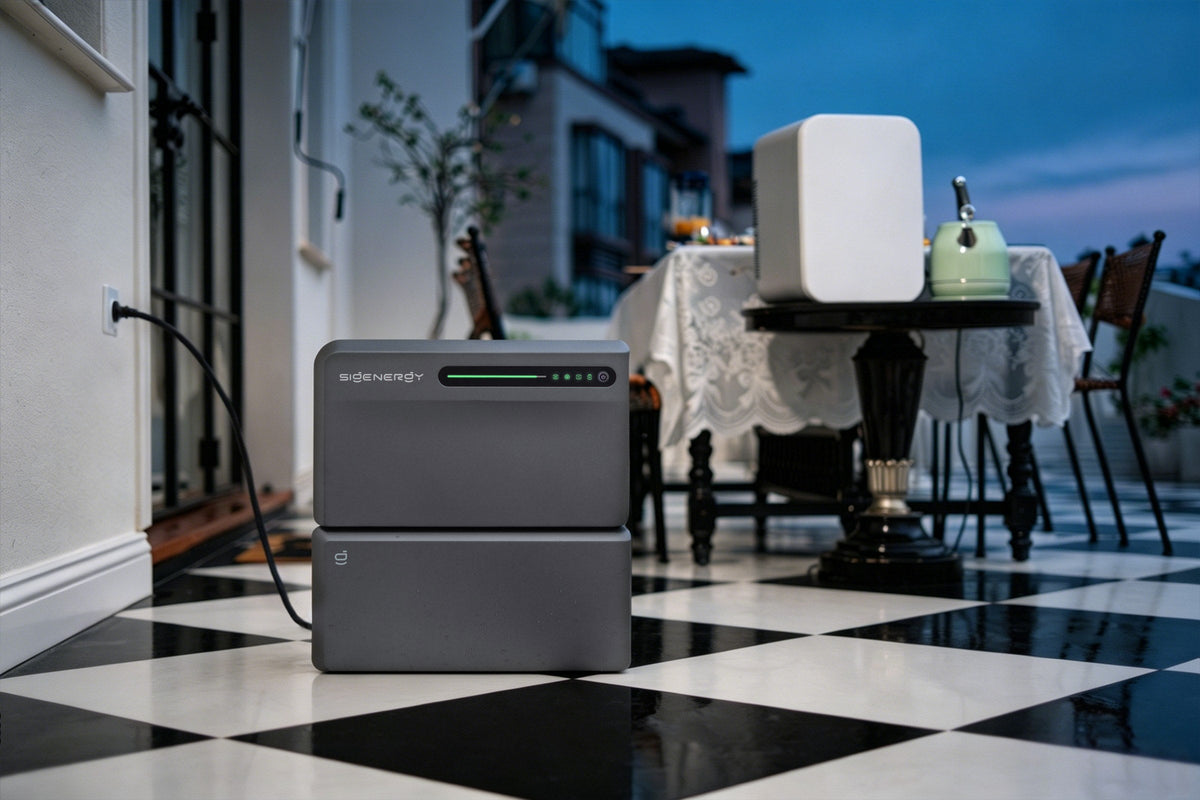
You don't need a battery and solar inverter from the same brand to build a home energy system. SigenMate is compatible with inverters from all third-party brands, allowing you to add battery storage while keeping your existing solar setup. The appropriate connection method and installation requirements must still be checked for your equipment.
Whether you have a rooftop solar system with a conventional inverter or a plug-in system with a microinverter, there are different ways to connect it to SigenMate. The key is choosing the right connection method for your existing equipment and energy needs.
See the SigenMate 2700 Ultra inverter compatibility section on the product page.
Two ways to connect
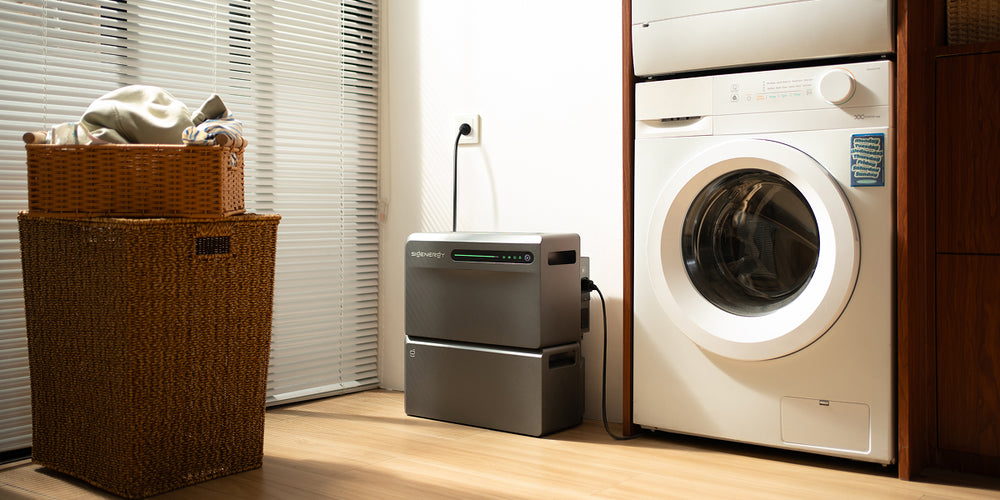
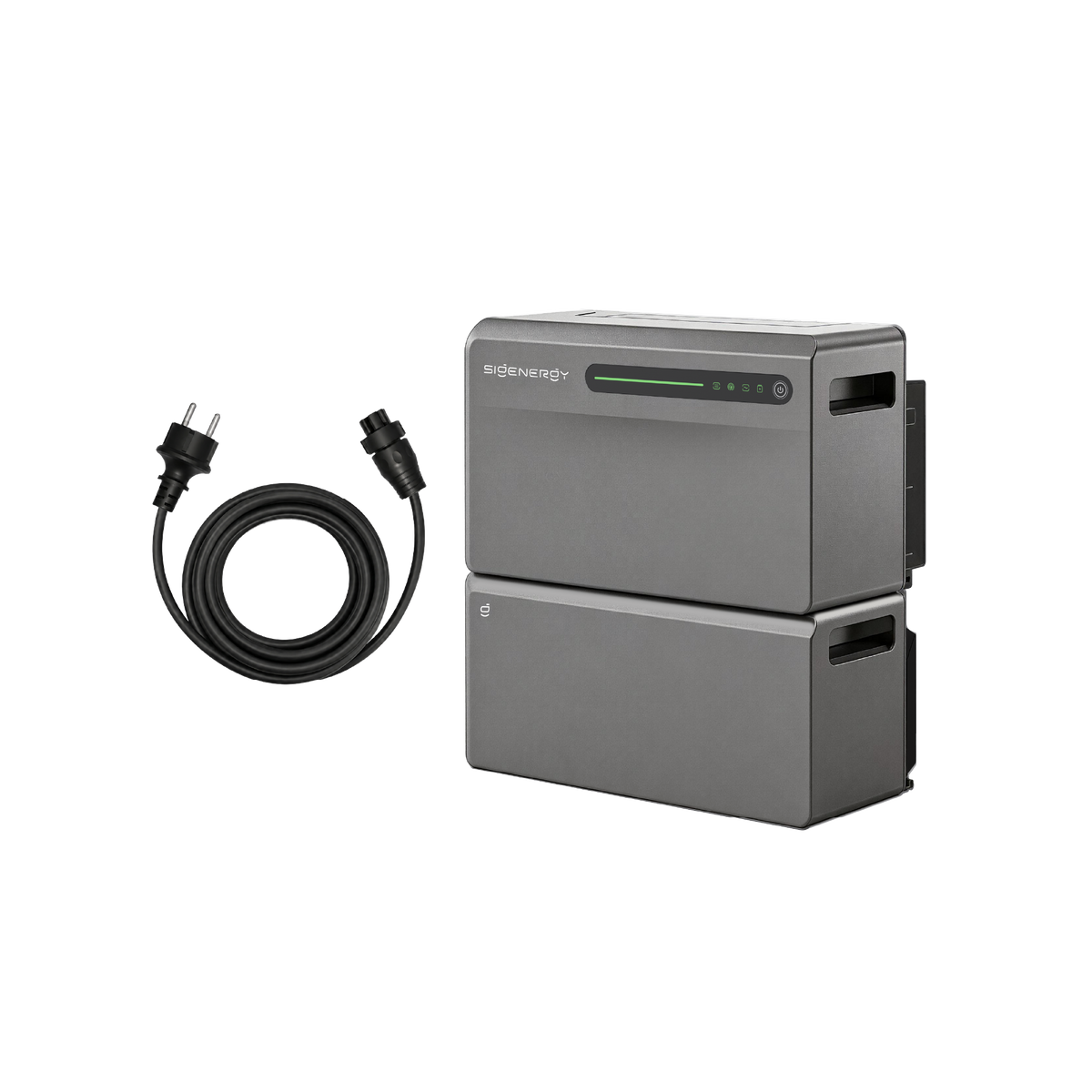
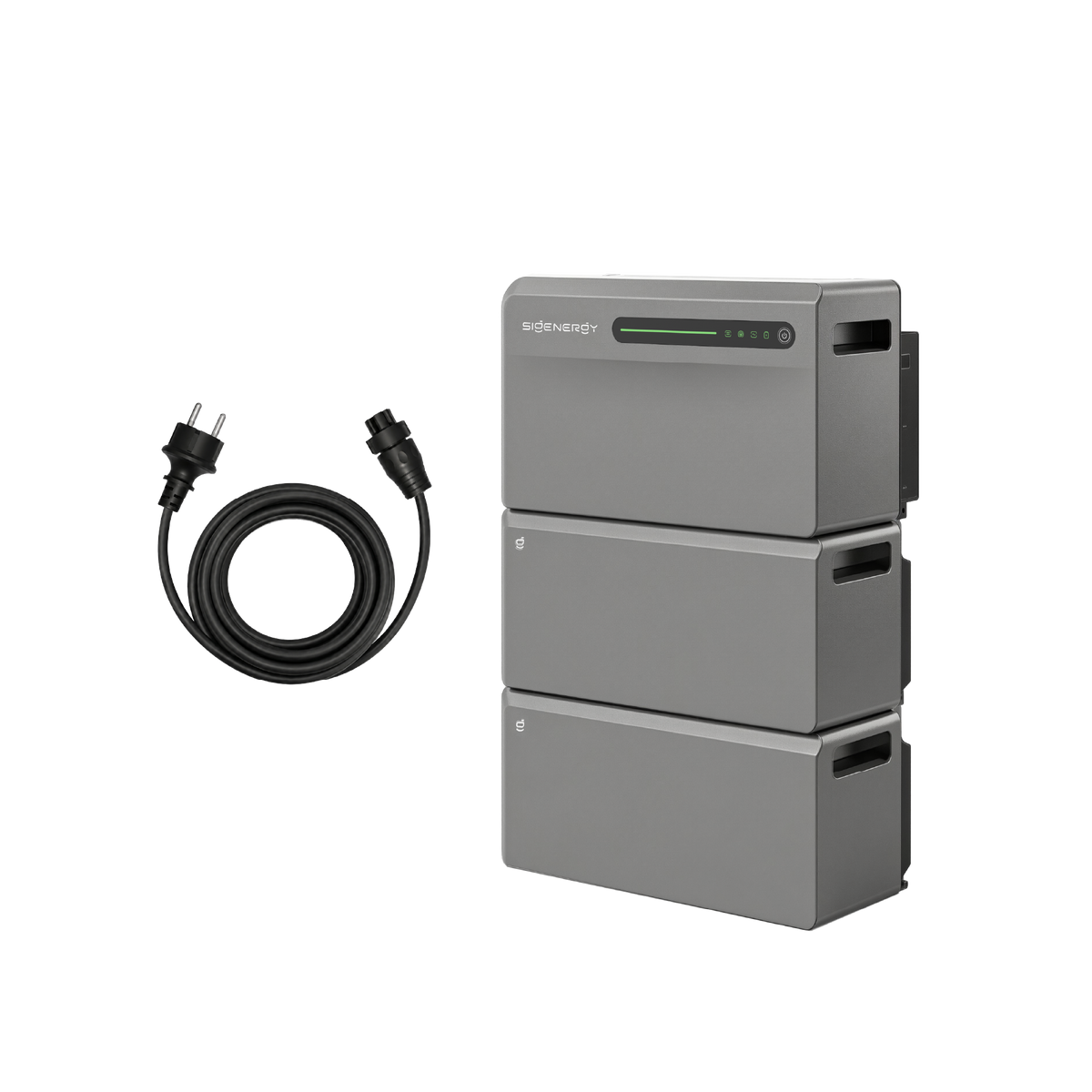
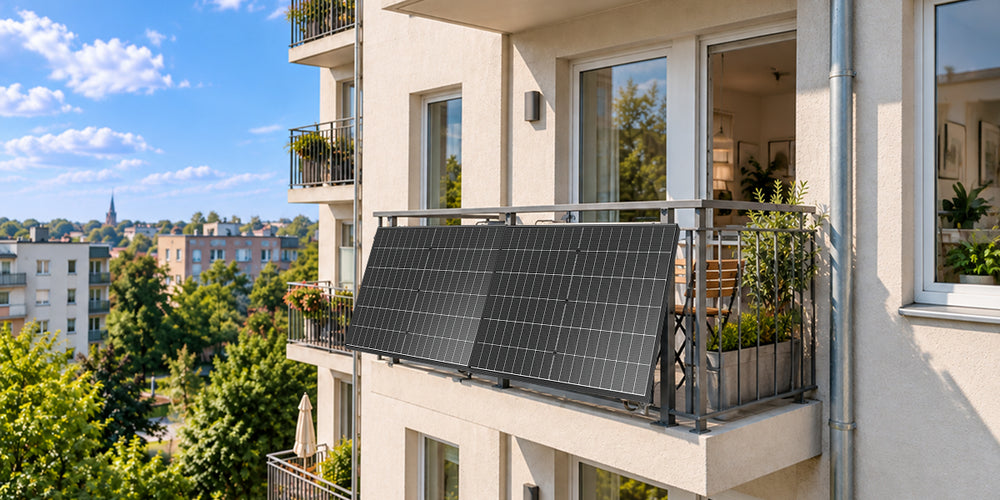
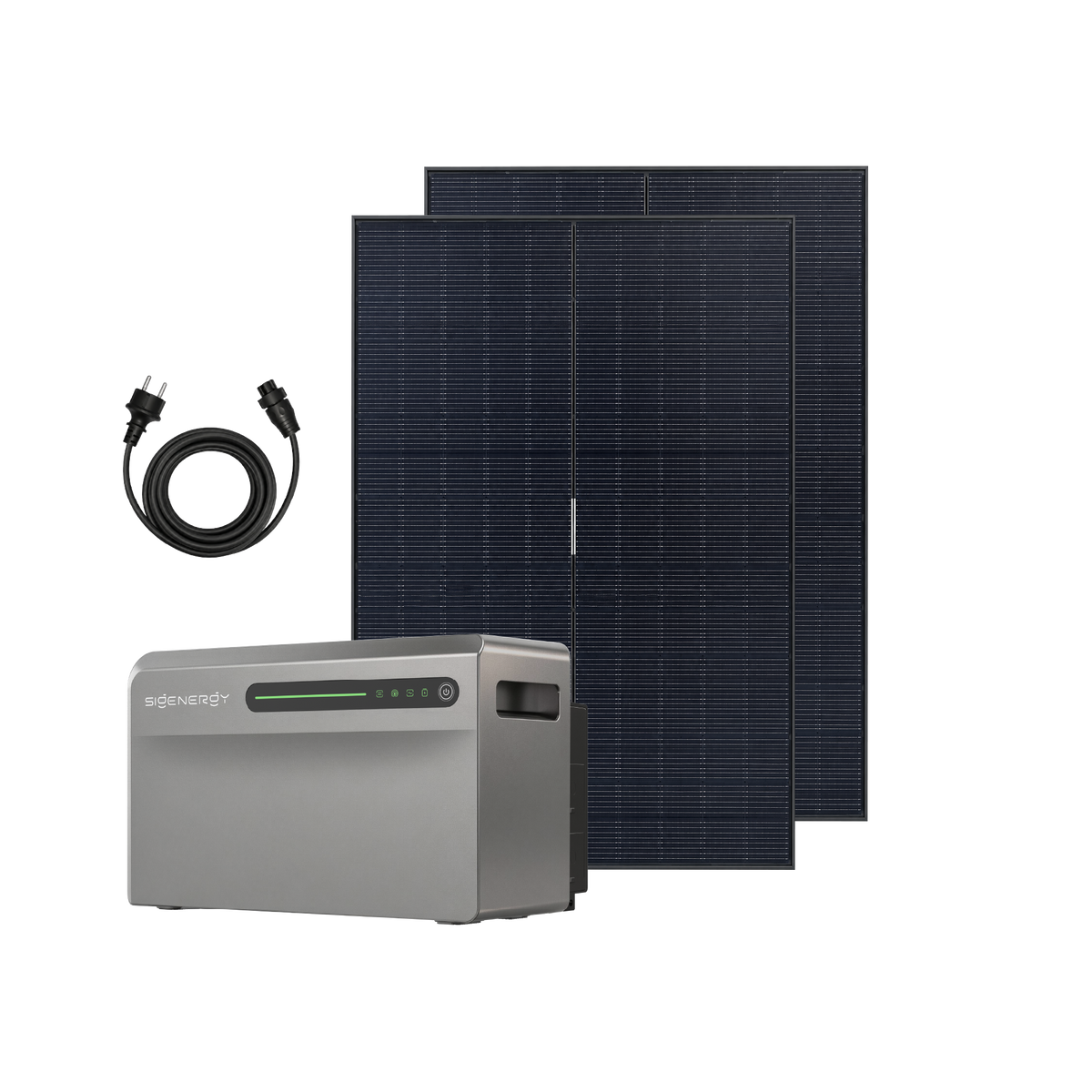
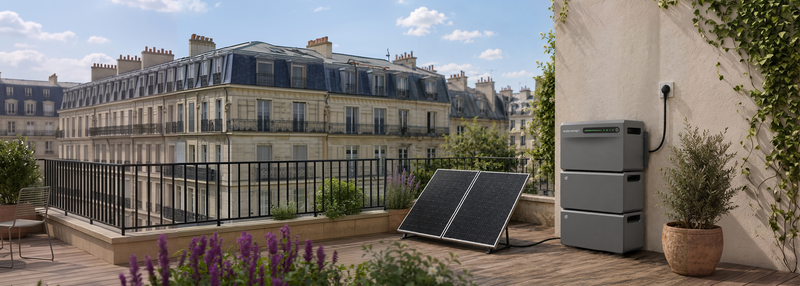
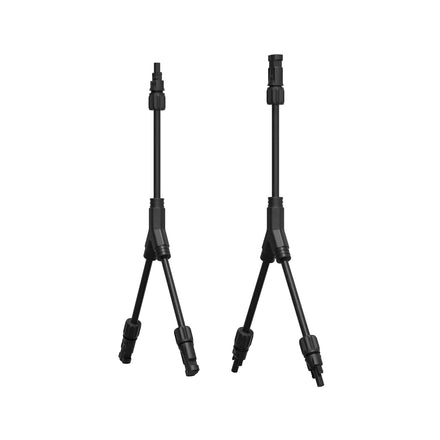
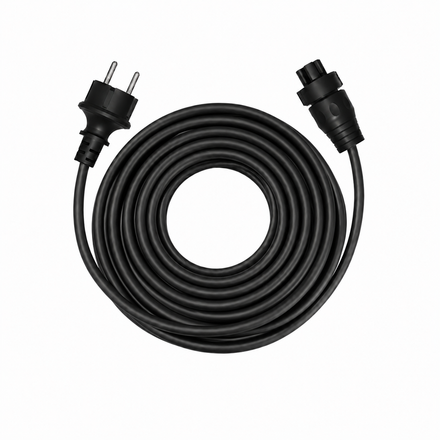
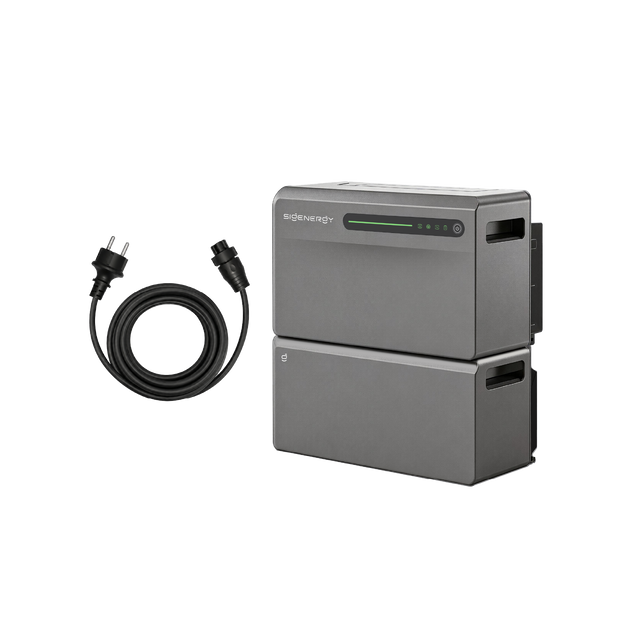
There are two connection options. A third-party inverter can be connected through the home's electrical network. If it is a plug-in product, it can instead be plugged directly into an AC socket on SigenMate, where the system automatically recognises the additional generation.
| Connection | How it works | What to check |
|---|---|---|
| Through the home electrical network | A third-party inverter works with SigenMate through the household AC network. A compatible meter measures and transmits its generation data. | Wiring, compatible meter and its installation position, supported equipment and charging settings. |
| Directly to SigenMate | If the third-party inverter is a plug-in microinverter, it can connect directly to an AC socket on SigenMate. The system automatically recognises the additional generation. | This option is for suitable plug-in microinverters only. Check electrical ratings, local power limits and any backup loads sharing the system. |
Existing rooftop equipment does not automatically need to be replaced. Have the actual installation checked to establish the appropriate connection and metering arrangement.

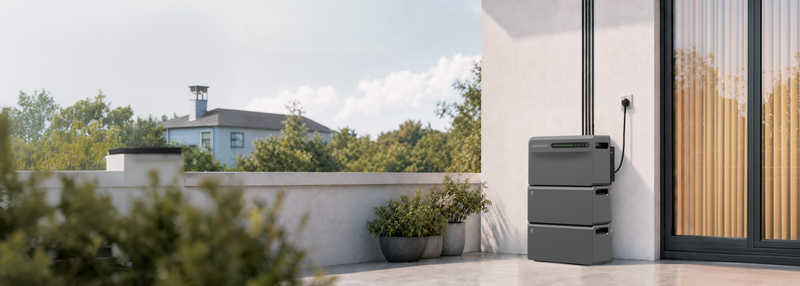
SigenMate connection options for third-party inverters: home socket and hardwired connection.
What the meter does—and does not do
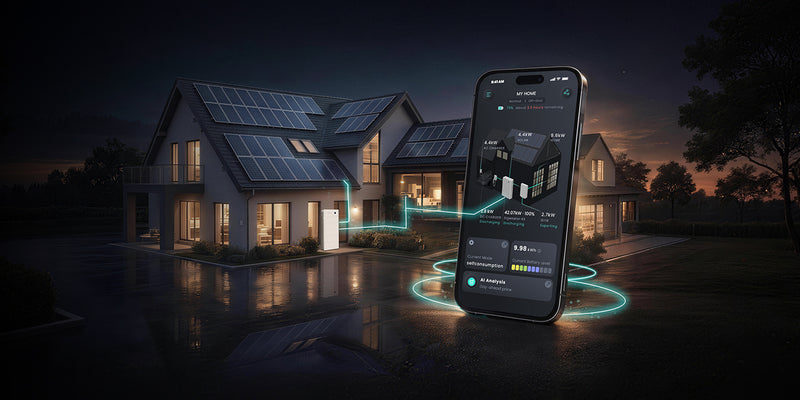
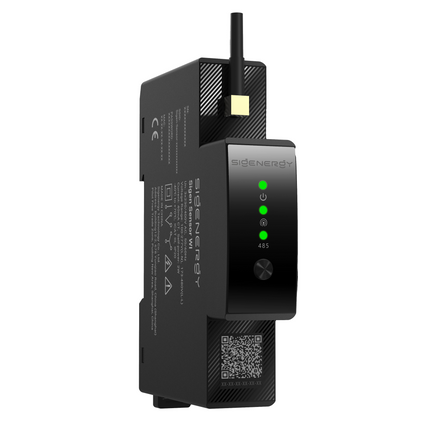
For an inverter connected through the home network, simply add it in the mySigen app to complete the configuration. SigenMate does not communicate directly with the third-party inverter: a compatible meter measures and transmits the relevant generation data for display and statistics. Without a compatible meter, SigenMate cannot identify whether charging comes from the grid or the third-party inverter. The Sankey diagram may therefore show too much energy attributed to the grid and too little to PV.
The guide lists compatible Shelly meters, the HomeWizard P1 Meter and the EcoTracker IR reader for specified monitoring and grid-connection-point functions. These devices are not interchangeable for every measurement task: select the model and installation position for the data and control you need.
What changes during a power outage?
For the direct-connection arrangement described in the guide, the microinverter and the loads connected to SigenMate can continue operating off-grid, within the system’s limits. A microinverter connected elsewhere in the home does not gain that backup capability simply because SigenMate is present.
- With a Sigenergy microinverter, the system coordinates start and stop behaviour automatically, without an additional accessory for that coordination.
- With a third-party microinverter and loads that must remain powered, the guide recommends a compatible smart plug at the microinverter connection point. This allows start/stop control during an outage and helps prevent interruption to those loads.
This describes supported connected loads, not automatic backup for every circuit in the house.
Check these points before buying
- Identify the inverter model and how it is currently connected.
- Choose household-network or direct-to-SigenMate connection.
- Confirm the meter and any smart plug required for your intended functions.
- Check electrical ratings and local installation requirements.
- Decide which appliances, if any, need backup power.
For the microinverter setup, the guide recommends one microinverter within the local plug-and-play power cap, giving 800 W in Germany as an example. That example is not a universal Dutch limit or a power limit for every third-party rooftop inverter arrangement.
Frequently asked questions
Does compatibility mean SigenMate communicates directly with or controls every third-party inverter?
No. SigenMate does not communicate directly with third-party inverters. For an inverter connected through the home network, a compatible meter measures and transmits generation data for display and statistics. Monitoring energy flows, controlling SigenMate and directly controlling the third-party inverter are different functions.
Can I connect any third-party inverter directly to SigenMate?
No. Direct connection to an AC socket is intended for suitable plug-in microinverters. Other third-party inverters can be integrated through the home's electrical network, with compatible metering.
Does compatibility automatically provide backup during a power outage?
No. Backup behaviour depends on the connection method. The direct connection of a suitable plug-in microinverter to SigenMate supports the described off-grid arrangement within system limits. An inverter connected elsewhere through the home network does not automatically gain this backup capability.
Explore SigenMate and check the connection method that fits your existing solar system.


Leave a comment
This site is protected by hCaptcha and the hCaptcha Privacy Policy and Terms of Service apply.